Every photo you own, in the order you took it.
Photos shows the pictures in your Drive as one long timeline and finds the ones you took on this day one, two or ten years ago. No face recognition, no scanning.

Your photos are not raw material.
A photo says more than who is in it. It says where you were, when, and who you were with.
Photos uses only the date and place your camera saved in the picture, and only to order your timeline. We recognise no faces, tag nothing in your shots and train nothing on them.
Photos you upload in the browser are encrypted on your device before they reach us.
InfoPeak Photos
What people use Photos for.
Six ordinary moments where a calm timeline makes the difference.

Three years ago today
The pictures from this date in earlier years sit at the top of Photos. You see them when you open the app, not as a notification.

The whole summer holiday in one place
Pictures fall into place by month and year, so the trip stays together even when the files sit in different folders in Drive.

Where was that restaurant again?
When your pictures carry a location, a map link sits next to them. The map only opens when you click, so nobody learns where you have been until you ask.

Receipts do not belong with your memories
Hide a whole folder from Photos. Screenshots and scanned paperwork stay in Drive, and the timeline shows only what you want to see.

Pictures of the kids, without face recognition
Your children's faces never become data. Photos orders by date, not by who is in the picture.
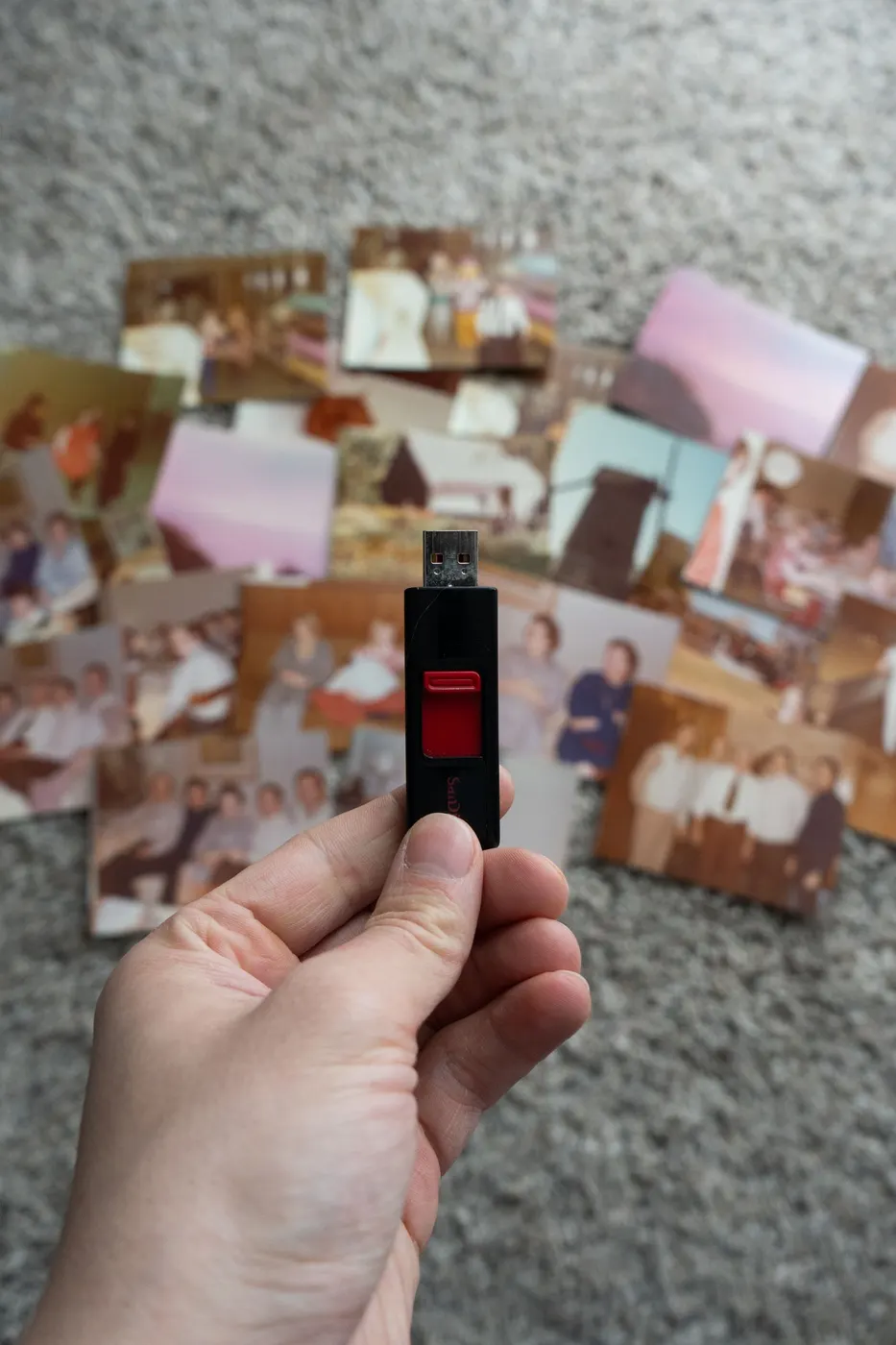
The old hard drive, finally in one place
Drag the folders into Drive in your browser and the pictures show up in Photos. Twenty years of photos, one place.
What comes with Photos.
Timeline
Newest first, grouped by today, this week, this month and then month by month.
On this day
Pictures from this date in earlier years, at the top when you open the app.
A map when you ask for it
One click shows the place. Nothing is looked up until you click.
Hide folders
You decide which folders belong in the timeline.
Photos is included on every plan, including the free InfoPeak account. Your pictures use the Drive storage that comes with your plan.

The same pictures as in your Drive.
Photos is not one more place to upload to. It is the pictures in your Drive shown as a timeline, so a folder you move or delete in Drive is gone from Photos too.
And it all sits on the same account as your mail, your calendars and your passwords.
 Mail
Mail  Drive
Drive  Photos
  Docs
Docs  Sheets
  Slides
  Calendar
  Contacts
  Notes
Notes  VPN
VPN  Pass
Pass  DNS
DNS In use worldwide
Austria, Bulgaria, Canada, Chile, China, Czechia, Denmark, Finland, France, Germany, Hong Kong, India, Italy, Kosovo, Luxembourg, Netherlands, Nigeria, Norway, Poland, Portugal, Romania, Senegal, Singapore, Slovenia, South Africa, Sweden, Ukraine, United Kingdom, United States, Venezuela, Vietnam
Every plan. One infrastructure.
Security and sovereignty are not features. They are architecture.
InfoPeak One
$9.99 / mo
Explore One- Encrypted Mail
- 1 TB Encrypted Drive
- EU Zero-Log VPN
- Password app with 2FA codes
InfoPeak Family
$21.99 / mo
For families- 6 Family Members included
- 3 TB Encrypted Drive
- Shared Drive
InfoPeak Business Standard
$14.99 per user
Explore Business Standard- 1-Click DPA (GDPR)
- 1 TB Encrypted Drive
- Encrypted Client Portal
- Scheduling Links
Questions about Photos
Can InfoPeak see my photos?
Does Photos cost extra?
How do my pictures get into Photos?
Give your photos a calm place to live.
Free to start. No credit card.