 Zero Tracking
Only you can read your mail
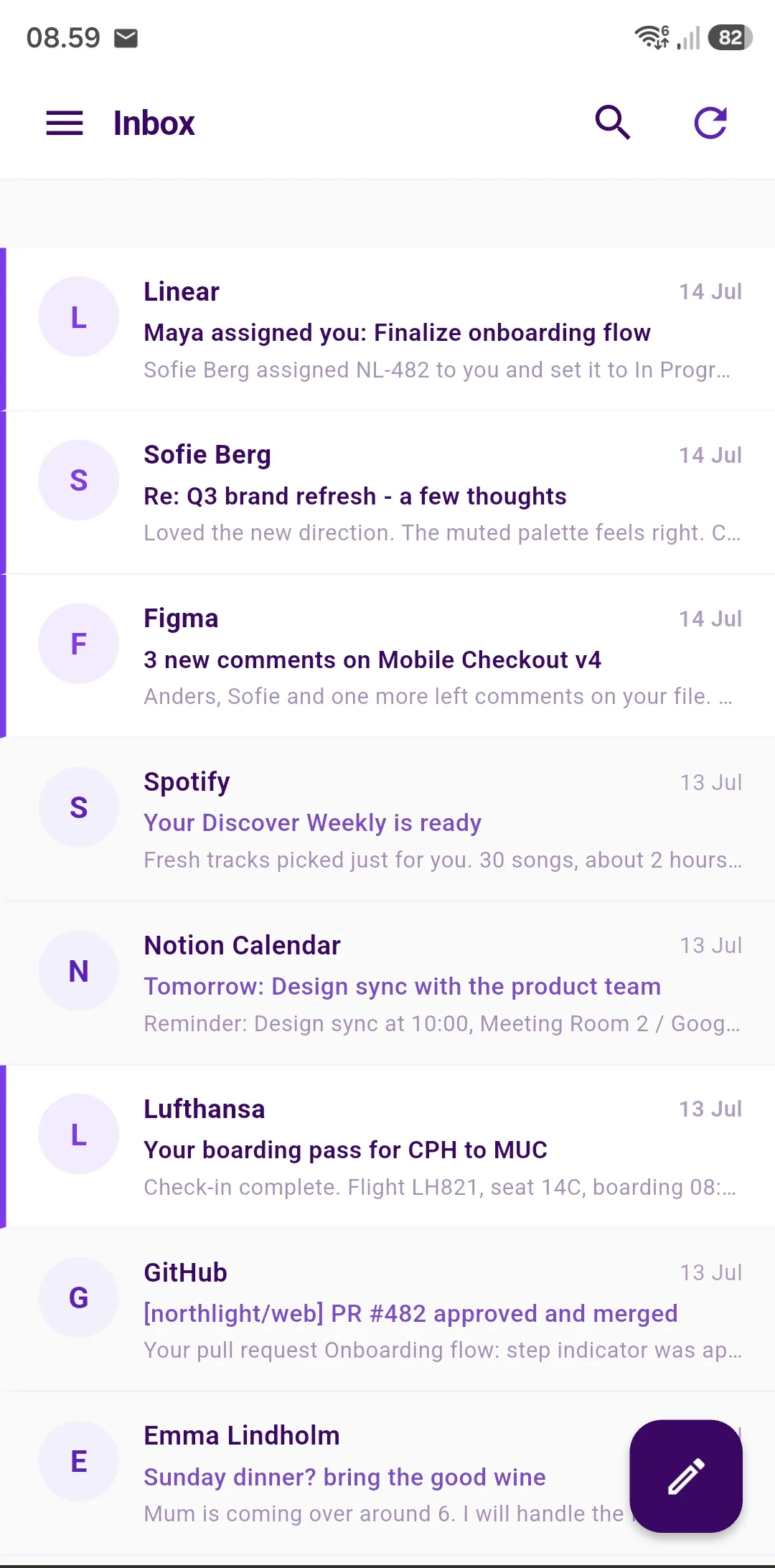
Works in your mail app
Private email. In the app you already use.
Get a free @infopeak.me address, encrypted and stored in Europe. Read it in Apple Mail, Outlook, the Gmail app or our own Android app.

Free on every plan
No new app. Nothing extra to install.
Apple Mail on iPhone and Mac, Outlook, Thunderbird and the Gmail app. InfoPeak Mail speaks IMAP and SMTP, so you read, reply, move and delete the way you always have. Your mail stays encrypted with us.
It comes with every plan, including the free account, and there is nothing extra to install on your computer.
Your mail app signs in with a device code, not your password. Lose your phone and you simply delete its code, while two-factor stays on.
See how to set it upInfoPeak Mail
Email for the things that matter.
From a note to an old friend to the boarding pass on your way out the door.

Words for one
A letter to family, a message to an old friend. It sits encrypted in your inbox, and no one uses it for ads.

The email you are waiting for
An offer, a reply, news that changes your week. It lands in an inbox that is yours alone, with no ads between your messages.

What you keep to yourself
Health, money, letters from the bank. Your mail is never used for adverts, and no one builds a profile from it.

Everyday life in order
Messages from school, appointments and receipts. One calm inbox with no promotions tab.

Sign up without your real address
Use an alias for the newsletter or the online shop. If it starts sending spam, switch the alias off and keep your real address.

With you everywhere
Boarding passes, bookings and the hotel address. Always on your phone, in your own mail app or in our Android app.
What you get with InfoPeak Mail.
No tracking
In InfoPeak Mail, outside images only load when you say yes. So the sender cannot see whether or when you opened the email.
Secure messages to anyone*
Send an encrypted message to anyone. The recipient opens it in a browser with a code and needs no account.
No ads
No promotions tab and no ads between your emails. Just your mail.
Your own domain*
Use your own address, like name@yourcompany.com. We show you the DNS settings you need.
Unlimited aliases*
A new address for every service you sign up to. Your real address stays private.
Bring your old mail
Bring your mail over from Gmail, Outlook, Yahoo, iCloud and other providers.
Every plan, including the free account, gives you an encrypted @infopeak.me mailbox with no tracking, two-factor sign-in, import of your old mail and 2 aliases. * Your own domain and unlimited aliases come with One, Family and Business. Secure messages to recipients outside InfoPeak come with Business Standard and Business Premium.
Everything you are used to.
Signatures
Create several signatures and choose which one is used by default.
Auto-reply
Set an out-of-office reply with a start and end date. Each sender gets only one reply a day.
Forwarding
Send all incoming mail on to another address, and keep a copy here.
Rules and filters
Sort new mail automatically by sender, recipient or subject.

More than email.
Your account also gives you Drive, Calendar, Contacts, Notes and the rest of InfoPeak. One sign-in, the same encryption.
Search in one place and find an email together with your files, notes and contacts. All of it stays in Europe.
 Mail
 Drive
 Photos
 Docs
 Sheets
 Slides
 Calendar
 Contacts
 Notes
 VPN
 Pass
 DNS
In use worldwide
Austria, Belgium, Bulgaria, Canada, Chile, China, Czechia, Denmark, Finland, France, Germany, Hong Kong, Iceland, India, Italy, Japan, Kosovo, Lithuania, Luxembourg, Morocco, Myanmar, Nepal, Netherlands, Nigeria, Norway, Panama, Poland, Portugal, Romania, Senegal, Singapore, Slovenia, South Africa, Sweden, Türkiye, Ukraine, United Kingdom, United States, Venezuela, Vietnam
Start free. Upgrade when you like.
The free account gives you email and the rest of InfoPeak. Paid plans give you more space, your own domain and more features.
InfoPeak One
$9.99 / mo
Explore One- Encrypted Mail
- 1 TB Encrypted Drive
- EU VPN
- Password app with 2FA codes
InfoPeak Family
$21.99 / mo
For families- 6 Family Members included
- 3 TB Encrypted Drive
- Shared Drive
InfoPeak Business Standard
$14.99 per user
Explore Business Standard- 1-Click DPA (GDPR)
- 1 TB Encrypted Drive
- Encrypted Client Portal
- Scheduling Links
Architecture specifications.
Can InfoPeak read my emails?
Can I use Outlook or Apple Mail?
Can I use my own domain?
Migration from Gmail?
How many aliases can I have?
Does an alias hide my real address?
Can I send email from an alias?
What does a secure message require of the recipient?
Your new email address is waiting.
Free, encrypted and ready for the mail app you already use.